> For the complete documentation index, see [llms.txt](https://docs.infimagames.com/llms.txt). Markdown versions of documentation pages are available by appending `.md` to page URLs; this page is available as [Markdown](https://docs.infimagames.com/product/low-poly-animated-modern-guns-pack/getting-started/quick-start-guide.md).
# Quick Start Guide
## **Downloading & Installing from FAB**
***
We’ll be using the **FAB in Launcher** window, which allows assets to be imported directly into Unreal Engine.
If you don’t see FAB in your editor, follow the official Epic guide [**here**](https://dev.epicgames.com/documentation/en-us/fab/exporting-assets-from-fab-in-launcher).
***
### Adding the Content to Your Project
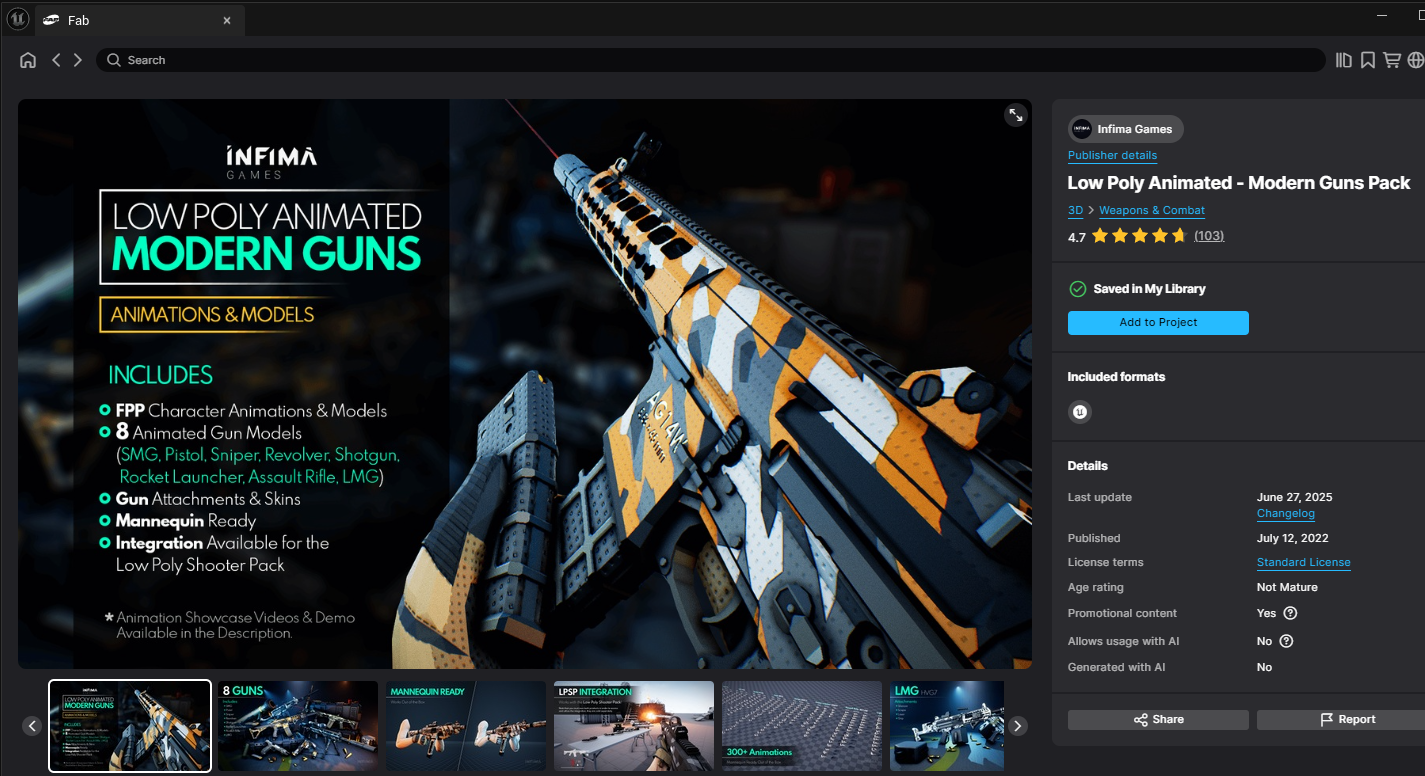
* Open the **FAB** window inside Unreal Engine.
* Navigate to **Library** and locate the **Low Poly Animated – Modern Guns Pack**.
* Press **Add to Project**, and select the engine version that you wish to use, then press **Add to Project** again.
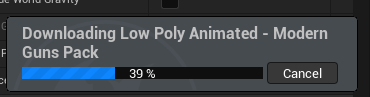
* This will start downloading the content directly into the current project.
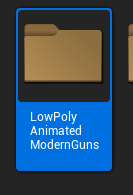
* Once finished, you should see the **LowPolyAnimatedModernGuns** folder inside your project!
* For a complete overview of the project folder structure, check out [**Project Structure Overview**](/product/low-poly-animated-modern-guns-pack/getting-started/project-structure-overview.md).
***
### Testing the Demo Map
Now that we have the content installed we can give it a quick test to make sure that everything is working properly, the best way to do this is by opening the showcase demo map.
It's located here:\
**LowPolyAnimatedModernGunsPack > Demo > Maps > L\_LPAMG\_Showcase\_Animations**
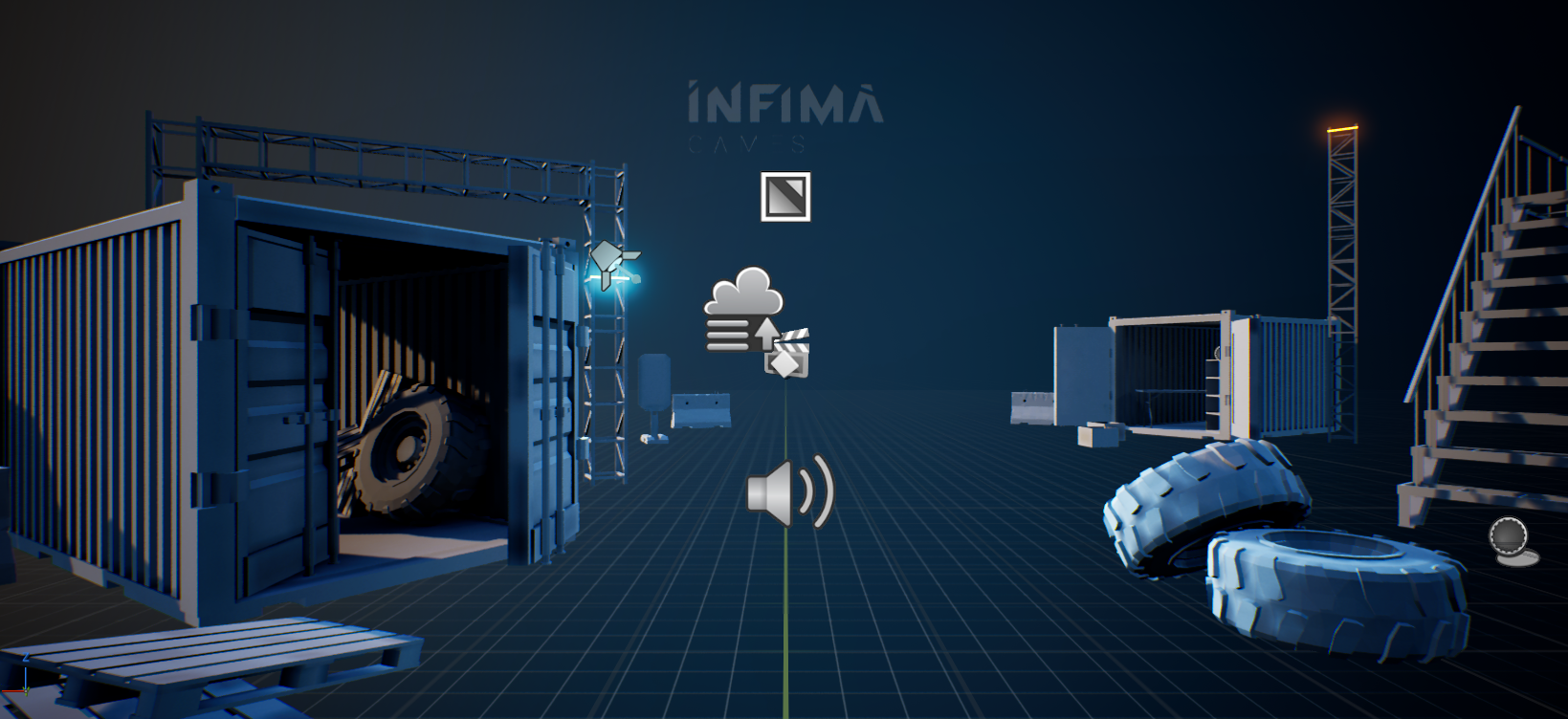
The demo map allows you view the animations and models in a gameplay scenario. It's mainly intended to be used as a showcase for the content, but I'm sure you'll find the code useful for other purposes as well.
Here you will find a list of [**the default key bindings**](#default-key-bindings)**.**
***
## :wrench: Fixing Common Issues
***
### Building Lighting in the Demo Maps
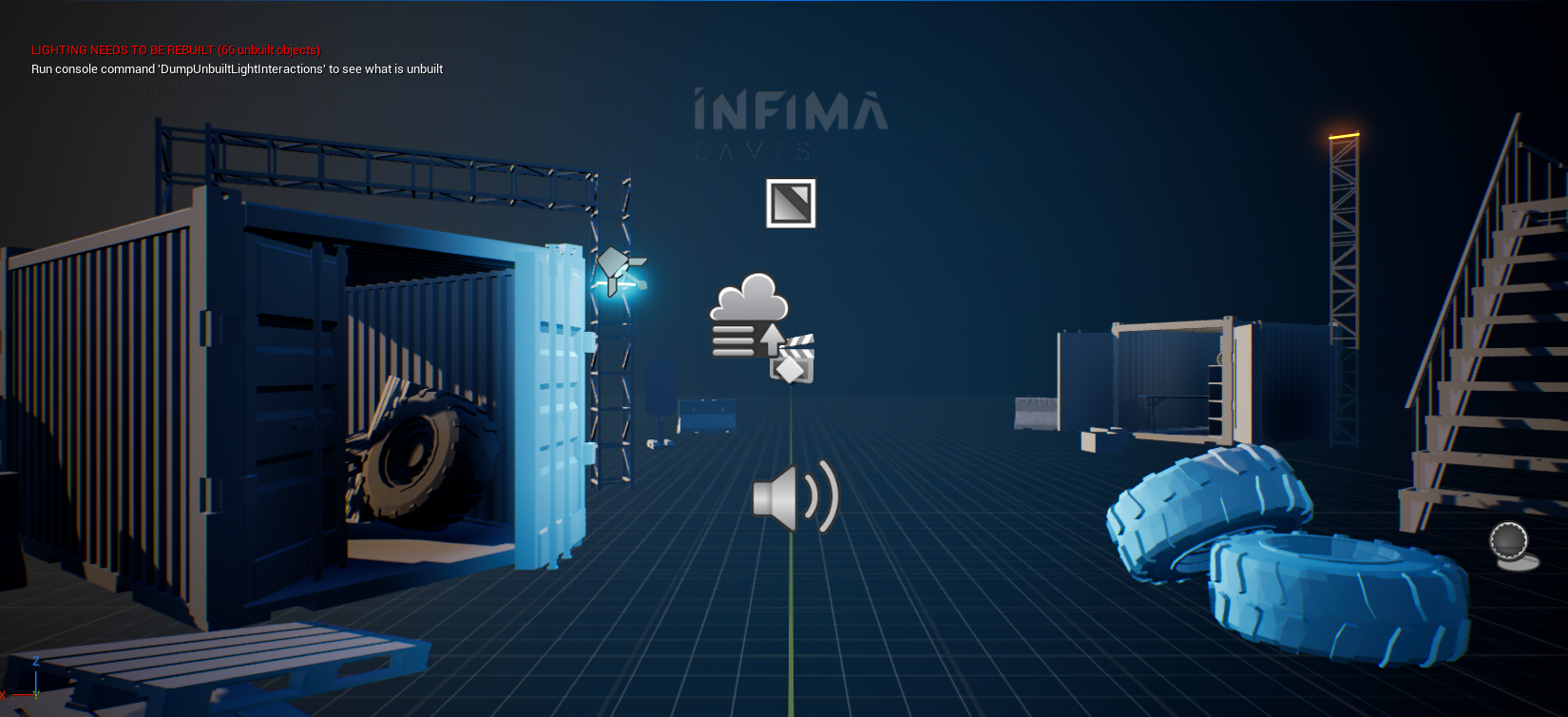
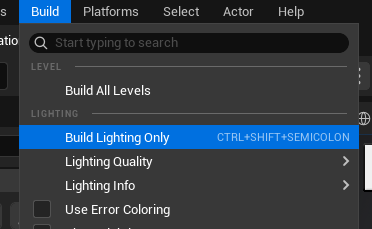
* When first opening the demo maps (depending on which engine version you're using) you might see the LIGHTING NEEDS TO BE REBUILT warning message.
* This doesn't directly affect the functionality of the asset, but it will make the lighting in the demo maps look a bit weird or broken. Luckily this is super easy to fix.
* To fix it, go to **Build** and choose **Build Lighting Only.**
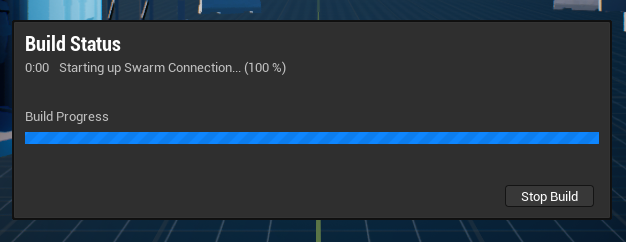
* Let the lighting build finish loading (this might take a while depending on your hardware).
* Once finished, the lighting will look as expected!
***
### The Player Starts Sliding Around in the Showcase Map
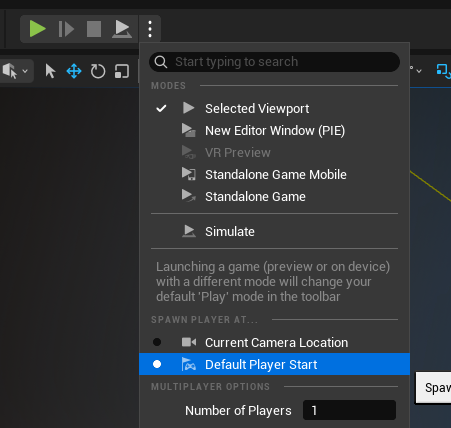
* If you notice that the player pawn starts moving or sliding around on the floor when playing the **L\_LPAMG\_Showcase\_Animations** map**,** it's most likely due to it being spawned in the current editor camera location.
* To fix it, simply set the default spawn point as **Default Player Start**, and play.
***
## Default Key Bindings
Movement
* Use the **WASD** keys to play the movement animations.
* Press **Left Shift** to play the run animation.
* Double tap **Left Shift** to play the tactical sprint animation.
* Press **Space Bar** to play the jumping animation.
* Press **Left Ctrl** to play the crouch animation.
Weapon
* Press **Left Click** to play the fire animation.
* Hold **Right Click** to aim.
* Press **R** to play the reload animation.
* Press **E** to play the reload empty animation.
* Press **T** to play the inspect animation.
* Press **3** to play the holster/equip weapon animations.
* Press **H** to lower the weapon.
* Press **Z/X** to cycle between equipped weapons.
Melee
* Press **F** to play the knife attack animation.
Attachments
* Press **J** to randomize the current weapon attachments.
* Press **K** to randomize the current weapon skin.
Timescale
* Press **5** to pause/start time.
* Press **8** to decrease timescale.
* Press **9** to increase timescale.
Camera
* Press **C** to toggle the camera perspective.
* Press **L** to toggle camera animation.
---
# Agent Instructions
This documentation is published with GitBook. GitBook is the documentation platform designed so that both humans and AI agents can read, navigate, and reason over technical content effectively. Learn more at gitbook.com.
## Querying This Documentation
If you need additional information that is not directly available in this page, you can query the documentation by asking a question.
Perform an HTTP GET request on the following URL with the `ask` and `goal` query parameters:
```
GET https://docs.infimagames.com/product/low-poly-animated-modern-guns-pack/getting-started/quick-start-guide.md?ask=&goal=
```
`ask` is the immediate question: it should be specific, self-contained, and written in natural language.
`goal` is what the user is ultimately trying to achieve, the reason they need the answer. Sharing it helps GitBook give you a better, more relevant answer. A goal is most helpful when it describes the outcome the user wants rather than restating the question. For example, with `ask=how do I create an API token`, a goal like `automate deployments from our CI pipeline` lets GitBook tailor the answer to that use case.
The response will contain a direct answer to the question and relevant excerpts and sources from the documentation.
Use this mechanism when the answer is not explicitly present in the current page, you need clarification or additional context, or you want to retrieve related documentation sections.